Flair 6.43 Disengage-Only Warning Popup
Summary
Two image-defined reports show a warning popup appearing only when disengaging the robot in Flair 6.43 / 6.43.15, including with a clear job. The chat treated this as likely nuisance/debug noise if it appears only on disengage and not while running.
Symptoms
- Warning appears when disengaging.
- Move runs normally.
- Warning is not triggered during motion.
- Restart/power cycle may clear it temporarily.
Evidence
| Timestamp | User | Media | Evidence |
|---|---|---|---|
| 2020-05-19 01:52 | Niko | 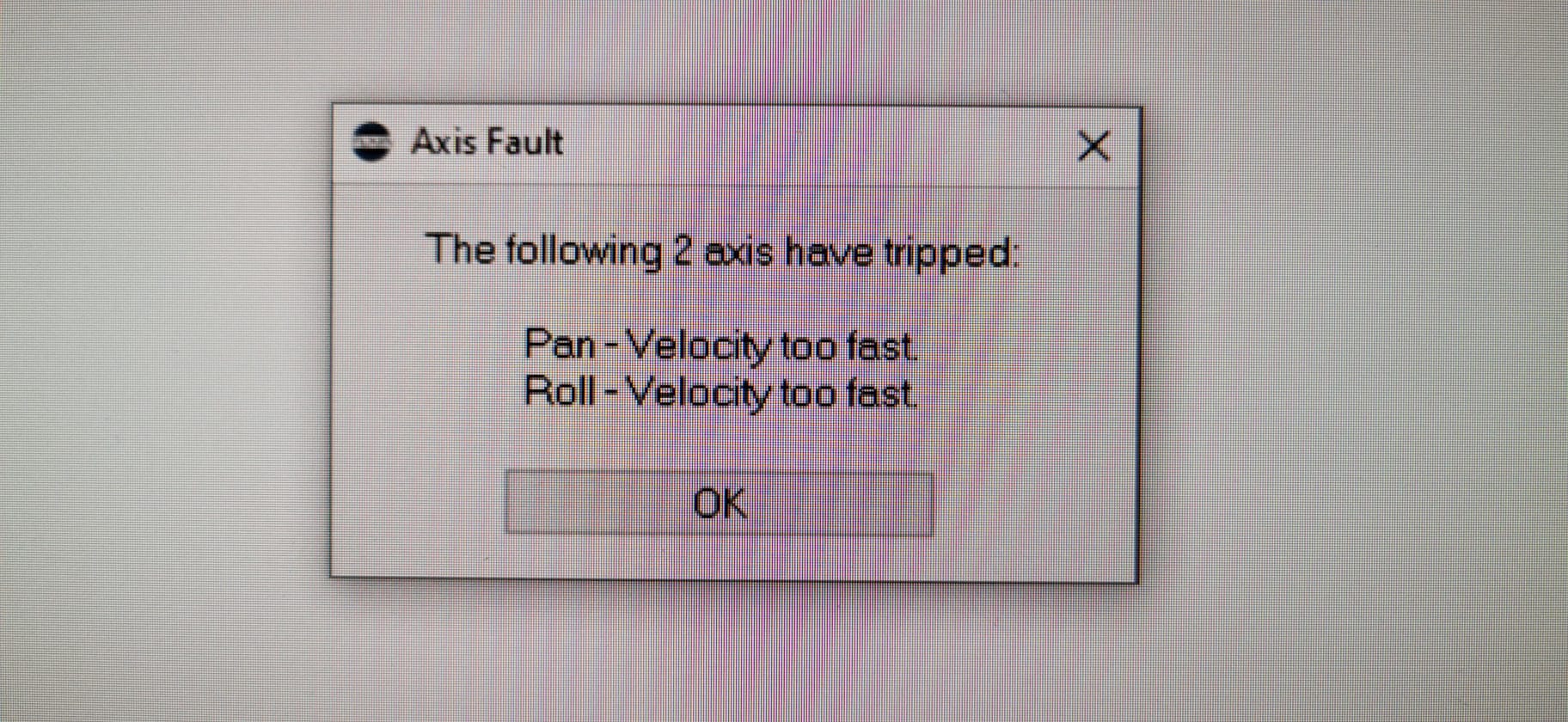 |
Visible popup text: Axis Fault - The following 2 axis have tripped: Pan - Velocity too fast; Roll - Velocity too fast. Popup appeared when disengaging Bolt in Flair 6.43, even clear job. |
| 2020-06-19 03:10 | Niko | 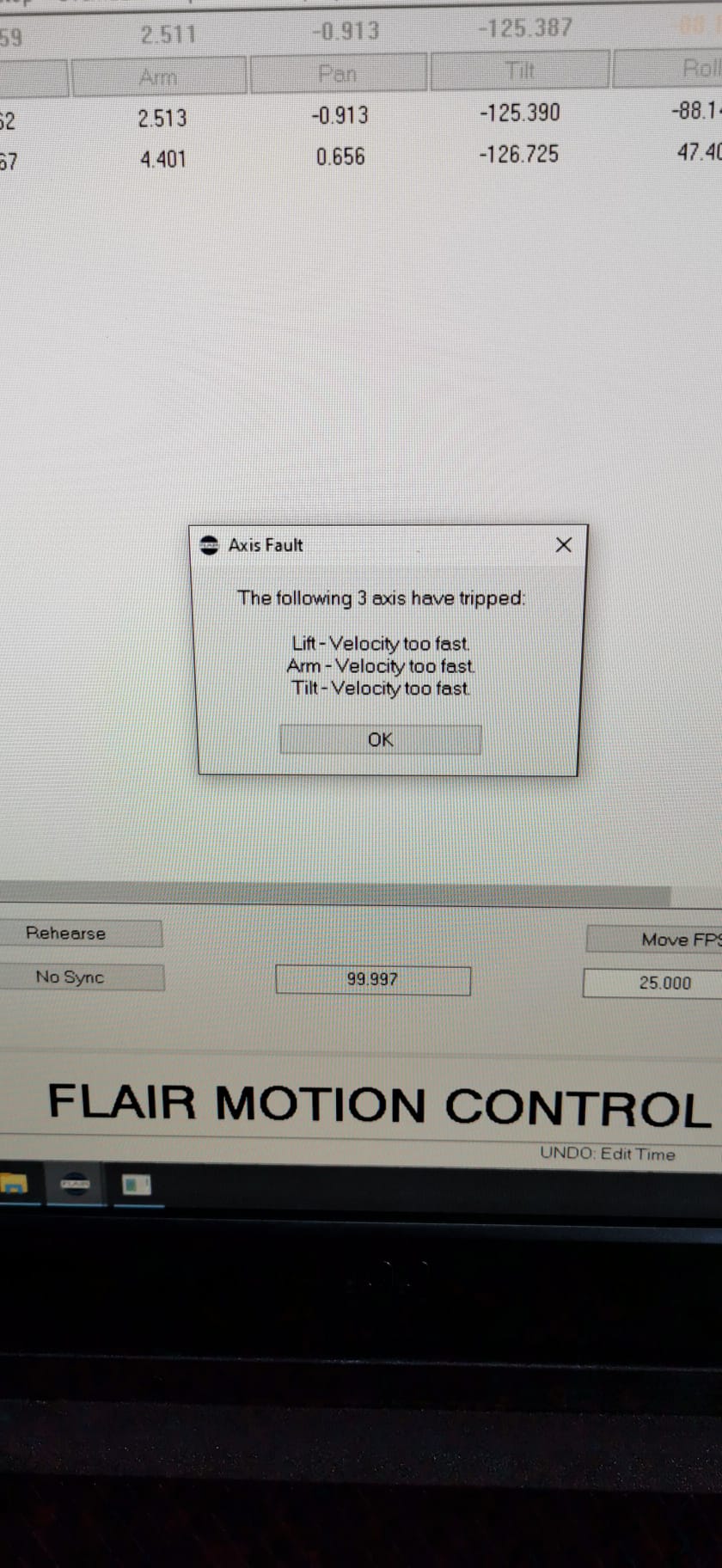 |
Image description: Flair numeric/axis table after the same disengage-only Axis Fault / Velocity too fast warning returned in Flair 6.43.15 on Bolt pedestal. |
Related Media
Media Text / Description
- Media 1: 2020-05-19 01:52 - Niko: Visible popup text: Axis Fault - The following 2 axis have tripped: Pan - Velocity too fast; Roll - Velocity too fast. Popup appeared when disengaging Bolt in Flair 6.43, even clear job.
- Media 2: 2020-06-19 03:10 - Niko: Image description: Flair numeric/axis table after the same disengage-only Axis Fault / Velocity too fast warning returned in Flair 6.43.15 on Bolt pedestal.
WhatsApp Excerpts
Media Text / Description
Axis Fault - Pan Velocity Too Fast - Roll Velocity Too Fast
Exact visible popup text: Axis Fault - The following 2 axis have tripped: Pan - Velocity too fast; Roll - Velocity too fast.
Axis FaultThe following 2 axis have trippedPan - Velocity too fastRoll - Velocity too fast- Image description: Flair numeric/axis table after a disengage-only Axis Fault warning in Flair 6.43.15 on Bolt pedestal.
[19/5/2020, 1:52:29 am] ~ Niko: I'm getting this pop up message when I desengage the bolt. Flair 6.43 even with a clear job
[19/5/2020, 1:58:20 am] ~ Niko: Never seen something like this
[19/5/2020, 2:04:36 am] ~ Nitin: I had something like this pop up too. Had to shut the system down completely and then it was Ok.
[19/5/2020, 2:21:18 am] ~ Tran Quang Duy: Thanks to Tim and all of you im done my first shoot very smoothly 🙏:)
[19/5/2020, 2:22:14 am] ~ Niko: We changed the position of the bolt an shooted down. When restarting the message still there when disengage
[19/5/2020, 2:22:47 am] ~ Niko: Everything is ok till disengage
[19/5/2020, 2:23:10 am] ~ Tran Quang Duy: At the end of the day i got 1 error very weird that said the last job take all the memory so can not run the move. Forgot to take pictures. Anyone got the same?
[19/6/2020, 3:10:05 am] ~ Niko: After a couple of days without this message, here it is again.
[19/6/2020, 3:10:47 am] ~ Niko: I know it's not a problem only happens when I disengage the robot
[19/6/2020, 3:11:05 am] ~ Niko: But it's a little bit annoying
[19/6/2020, 3:11:09 am] ~ Niko: 😉
[19/6/2020, 3:11:17 am] ~ Niko: Some solution
[19/6/2020, 3:11:24 am] ~ Niko: ?
[19/6/2020, 3:11:47 am] ~ Niko: Flair 6.43.15
Community Solutions
[LIKELY] Treat As Low Priority If Disengage-Only
If the warning appears only during disengage and never during GoTo, Forward Run, Part Run, or engagement, the chat treated it as annoying but usually not operationally significant.
Confidence: 0.72
[LIKELY] Restart / Power Cycle To Clear Temporarily
Restart Flair and power cycle the controller if the message repeats frequently or blocks normal operation.
Confidence: 0.66
[CONFIRMED] Report If Repeatable Or Appears During Motion
If the warning appears while moving, or if it becomes repeatable on a clean job, send the screenshot, job, and exact Flair version to MRMC.
Confidence: 0.82
Related Issues
- See also: Debug Assertion Dialog - Abort / Retry / Ignore
- See also: InTime Not Starting or Robot Not Found After Boot