Flair Display Time Instead Of Frames - Frame Column Display Modes
Summary
Flair can display waypoint timing as frames, seconds, incremental frames, incremental seconds, or timecode-style values. The WhatsApp thread was short: Niko asked whether Flair 7 could show time instead of frames, shared a screenshot of the frame column, then immediately replied Got it!. The manual confirms the frame column can be toggled through display modes.
Symptoms
- The Flair 7 waypoint table shows frame numbers (e.g.
0 f,75 f,425 f) and you want to display the timing as seconds or timecode instead. - You cannot find the option to switch between frame, seconds, and incremental display modes in the Flair UI.
- You want to understand all available Frame column display modes (frames, seconds, incremental frames, incremental seconds, timecode).
Settings Location
| Task | Flair location |
|---|---|
| Change frame column display mode | Right-click or context-click the Frame / frame count column header in the waypoint view |
| Show both frame count and time | Use the Frame button context menu option such as Always Show Frames where available |
| Change move/camera FPS basis | Main Flair screen Move FPS / Cam FPS fields |
Community Solution
[LIKELY] Use The Frame Header / Context Menu
Use the Frame column/button context menu to toggle between frames, seconds, incremental frames, incremental seconds, or timecode display. The exact menu wording differs between Flair Classic and Flair 7.
Confidence: 0.66
Related Media
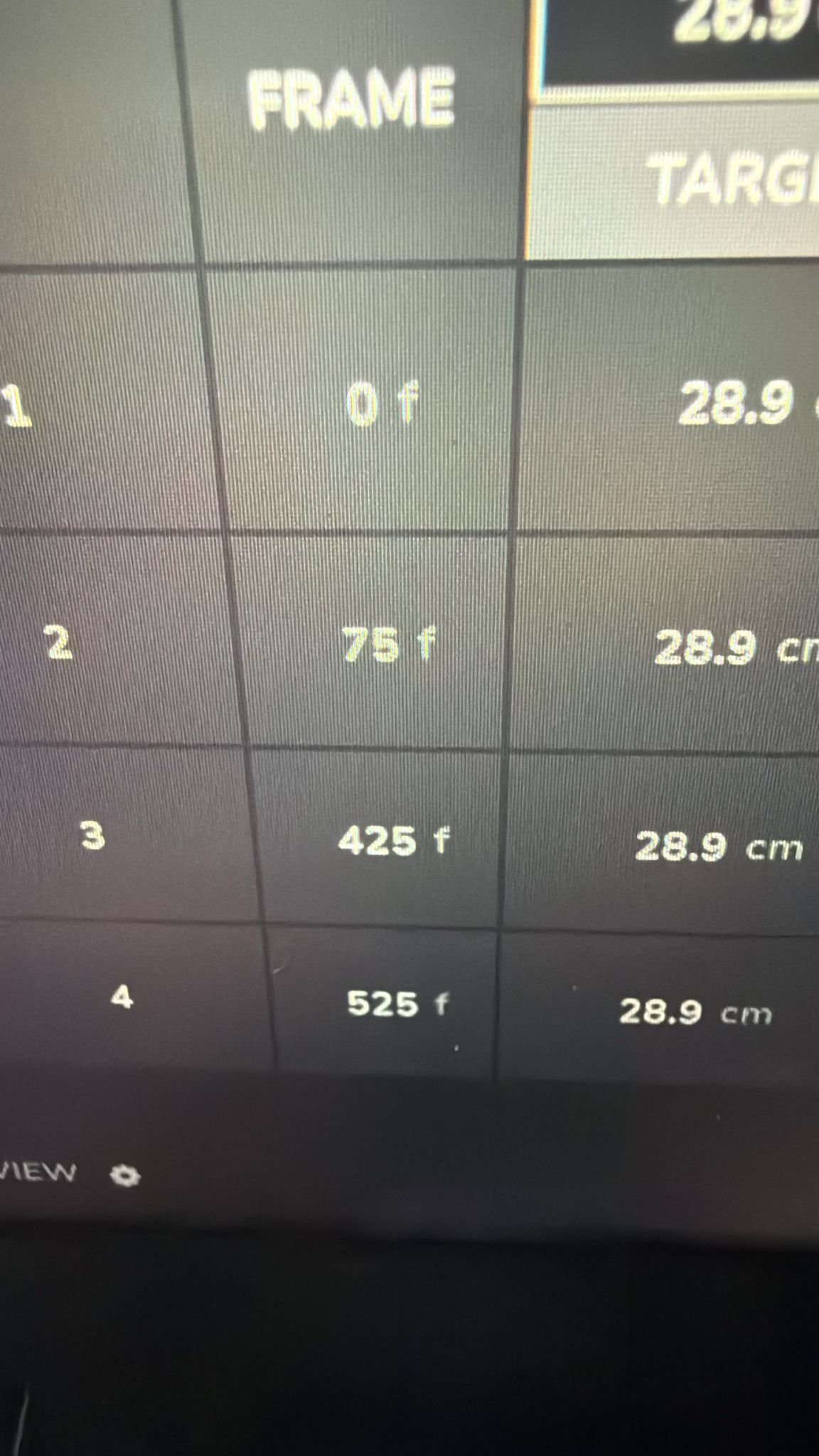
- Media 1: Visible UI text: FRAME, 0 f, 75 f, 425 f, 525 f; question was whether Flair 7 can show time instead of frames.
Media Text / Description
- Visible UI text: FRAME, 0 f, 75 f, 425 f, 525 f.
- Image description: Flair waypoint table / frame column shown while the operator asks whether Flair 7 can show time instead of frames.
WhatsApp Excerpts
[20/5/2026, 6:18:43 pm] ~ Niko: Never tried with 7 but is there any chance to see time instead of frames?
[20/5/2026, 6:19:46 pm] ~ Niko: Got it!