Dragonframe Limited to 130 Frames — Reopen DF After X-Sheet / Project Duration Changes
Summary
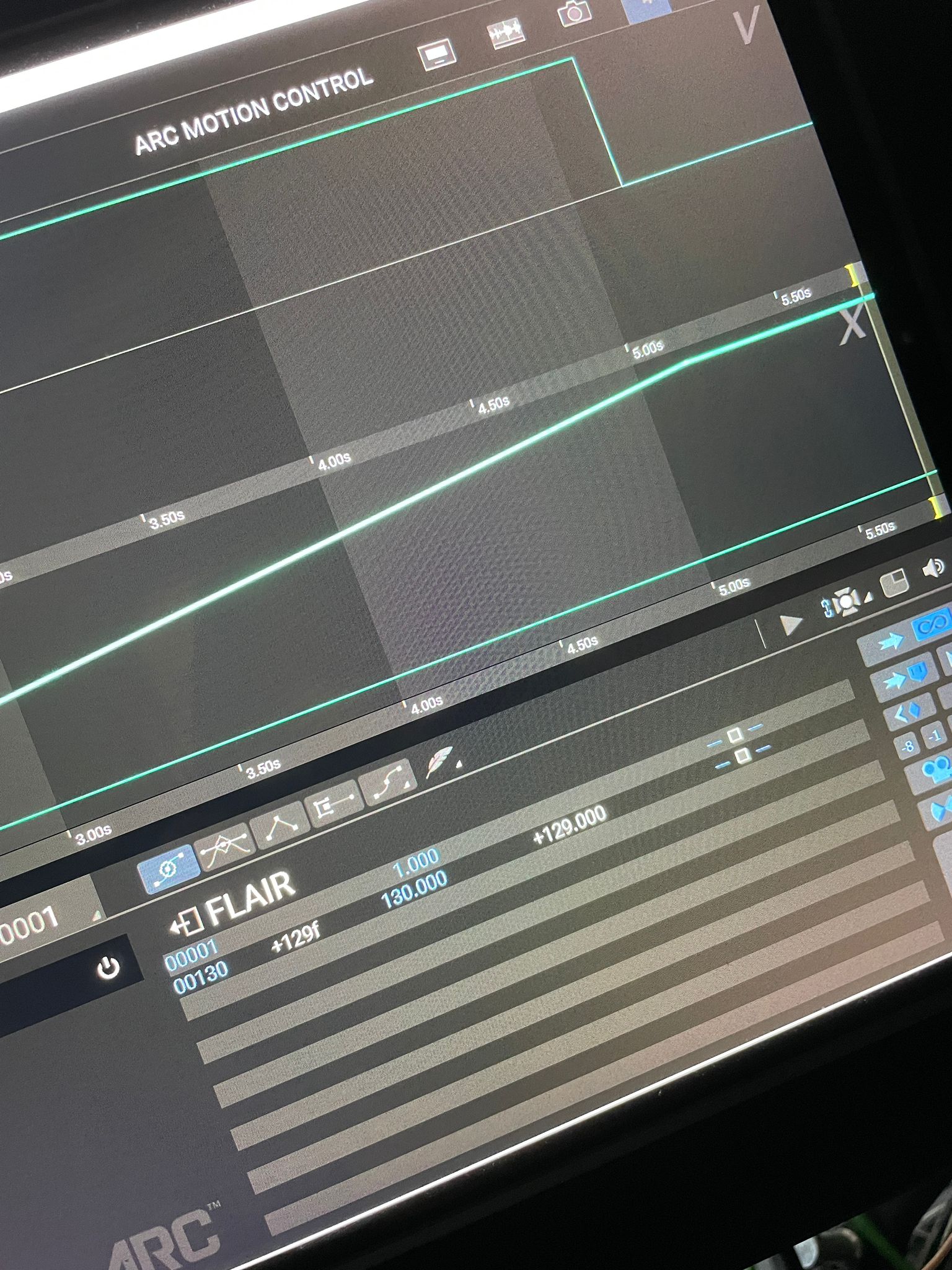
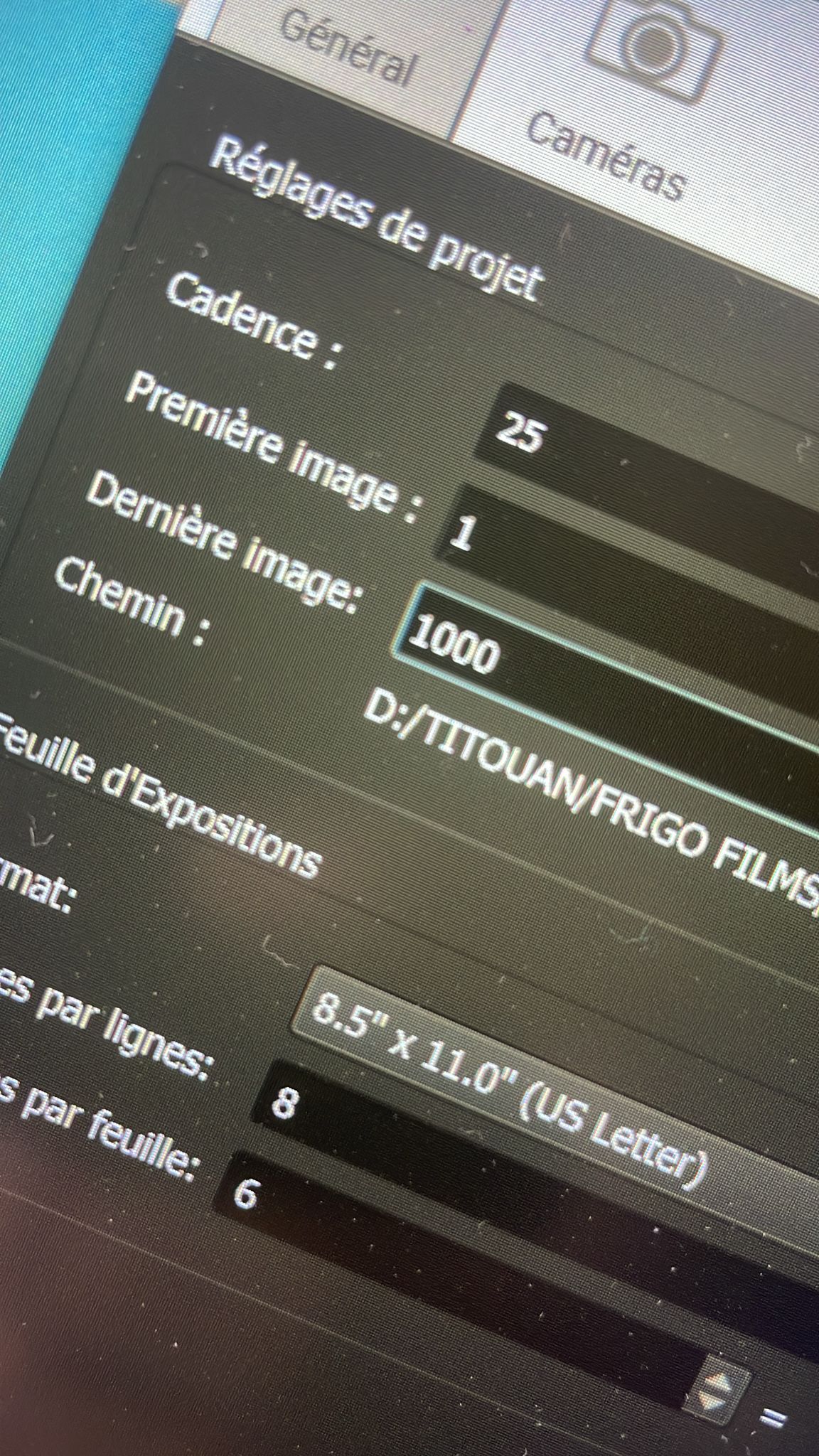
If Dragonframe appears limited to around 130 frames while working with Flair Arc MoCo, check Dragonframe's X-sheet / project duration settings and then close and reopen Dragonframe. In the resolved case, the user changed the last frame/project duration but remained stuck at 130 frames until Dragonframe was reopened.
Symptoms
- Stop-motion / Dragonframe project appears limited to 130 frames.
- X-sheet ending at 144 frames may appear related.
- Changing last frame to 750 or 1000 does not immediately update the visible limit.
- Other axes can go beyond the limit, making it look like a Flair axis issue.
Community Solution
[CONFIRMED] Set Dragonframe duration, then restart Dragonframe
2026-04-21 — Mathieu / Julian Hermannsen / dennis
- In Dragonframe, open Window > Animation.
- Open the X-sheet and set the start/end frame.
- Also check Scene > General project settings.
- Match Flair and Dragonframe frame rate/duration.
- Close and reopen Dragonframe so the new duration is applied.
The reporter confirmed: "I just close and re-open DF, and now it's working."
confidence_score: 0.84
Related Media
Media Text / Description
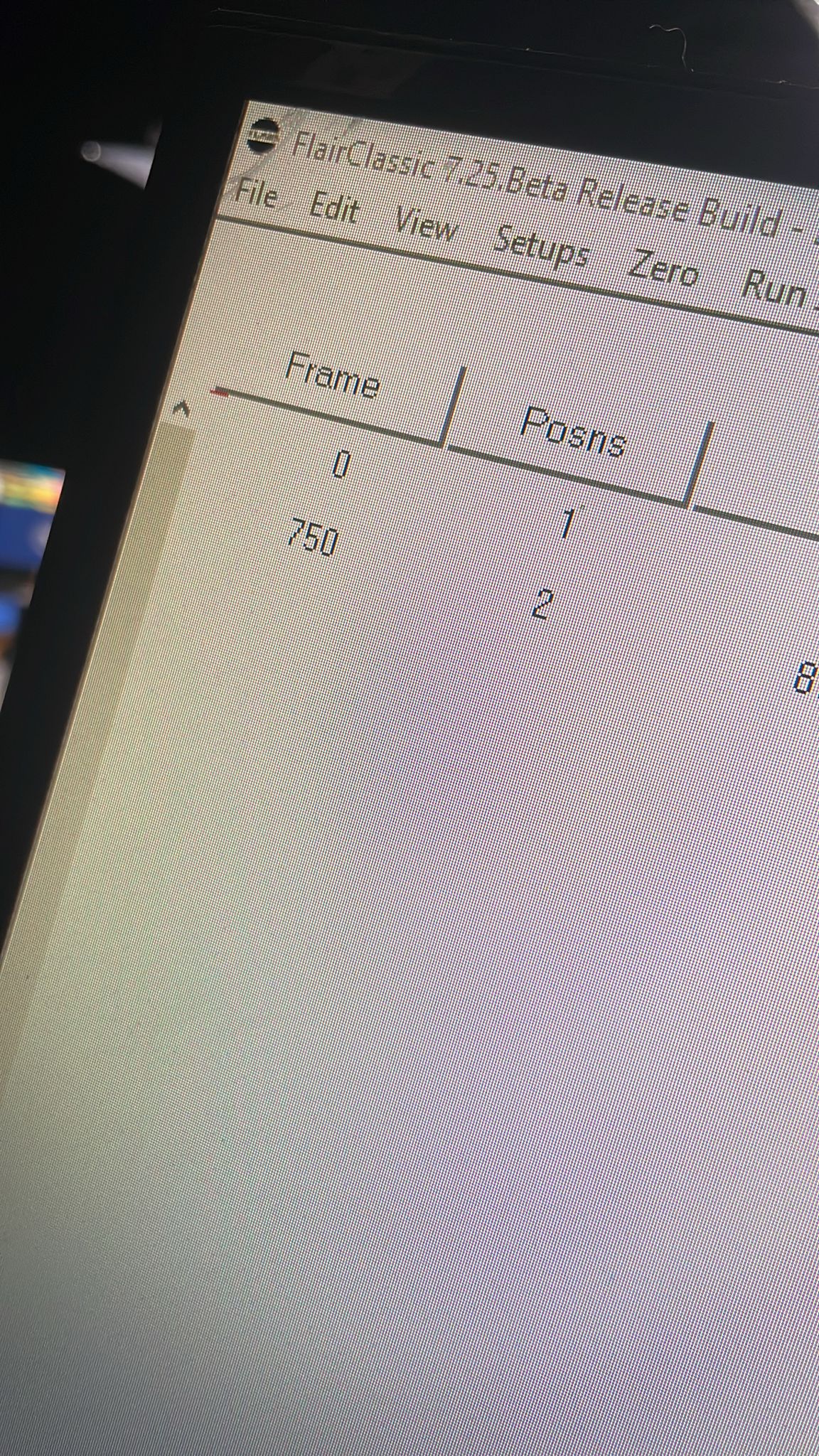
- Image description: Dragonframe / Flair Arc MoCo screenshots where the move appeared limited to about 130 frames until the X-sheet/project duration was changed and Dragonframe was reopened.
- Media 1: Image description: Dragonframe / Flair Arc MoCo screenshots where the move appeared limited to about 130 frames until the X-sheet/project duration was changed and Dragonframe was reopened. Searchable terms: Dragonframe 130 frames; limited to 130fr; X-sheet end frame; Flair Arc MoCo Dragonframe; close reopen Dragonframe.
- Media 2: Image description: Dragonframe / Flair Arc MoCo screenshots where the move appeared limited to about 130 frames until the X-sheet/project duration was changed and Dragonframe was reopened. Searchable terms: Dragonframe 130 frames; limited to 130fr; X-sheet end frame; Flair Arc MoCo Dragonframe; close reopen Dragonframe.
- Media 3: Image description: Dragonframe / Flair Arc MoCo screenshots where the move appeared limited to about 130 frames until the X-sheet/project duration was changed and Dragonframe was reopened. Searchable terms: Dragonframe 130 frames; limited to 130fr; X-sheet end frame; Flair Arc MoCo Dragonframe; close reopen Dragonframe.
WhatsApp Excerpts
[20/4/2026, 11:19:26 pm] ~ MRMC Support: 👀 Our Servo Ring Model Mover Turntable making a guest appearance at NAB. More info here: https://talk.mrmoco.com/t/new-ring-model-mover-servo/1816
Let me know if there are any questions of if you would like to order one. 🦾
[21/4/2026, 12:37:36 am] ~ Mathieu: Hi everyone! It’s stop-motion day here! Does anyone know why I’m limited to 130fr ?
[21/4/2026, 12:54:28 am] ~ Julian Hermannsen: Change Shot length in the x-sheet
[21/4/2026, 12:56:53 am] ~ dennis: Try typing a higher number into the current frame box (the one just above and to the left of where it says ‘flair’).
[21/4/2026, 12:58:31 am] ~ Julian Hermannsen: X-sheet is animation view, not motion control
[21/4/2026, 12:59:53 am] ~ Mathieu: The x-sheet was ending at 144fr, there is a link between this 144fr and the 130fr limitation of flair arc moco ?
[21/4/2026, 1:00:11 am] ~ Julian Hermannsen: I don't know that
[21/4/2026, 1:05:55 am] ~ Mathieu: It’s same if I change the x-sheet end
[21/4/2026, 1:14:50 am] ~ Mathieu: You are talking about the -001- ? It’s the current frame, I don’t think it’s link with the limitation
[21/4/2026, 1:17:44 am] ~ dennis: Yes. Put in, say 250 then set a keyframe. Should extend for you
[21/4/2026, 1:18:41 am] ~ dennis: (You can change / delete key later)
Related Issues
- See also: Dragonframe Cannot Connect Over InTime Network — Requires Secondary NIC
- See also: Part Run Sections - Selectable Sections and OSC Commands