8. Flair 7 Tutorial: Creating a 3 Point Move by Rite
Playlist: Flair 7 Quick Tips and Tutorials
AI Summary
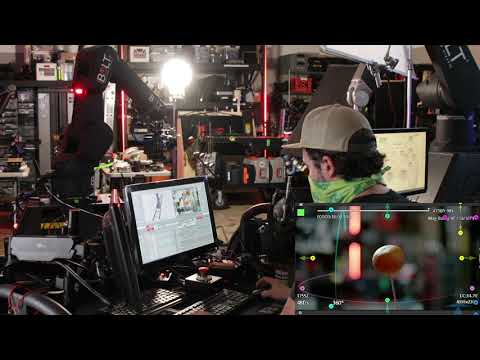
Rite talks us through creating a 3 point move in Flair 7.
For operators using this as a reference, the main focus is motion smoothing, move programming, spline behaviour, and track calibration. It should help when deciding which Flair workflow, robot behaviour, or setup area is relevant before opening the full video.
The practical setup context is that hardware referenced includes PRECISION_TRACK, and software/version references include Flair 7, and the working environment is Flair 7. This helps connect the video to the rig, accessory, software environment, or workflow label an operator may already be working with.
The chapter links below provide 6 timestamped jumps into the main setup, demonstration, and workflow moments, making it easier to go straight to the section that matches the issue or task being investigated.
Chapters
- 00:07 — today we're going to learn how to do a three-point move in flare 7.
- 01:31 — we go we can move using our carts and still be
- 02:49 — position one now if we look at our robot move up here it's just going in a
- 03:51 — we know that this is the peak of the move so maybe you want to tilt down a
- 04:42 — 88.1 because you're uh let's see your acceleration
- 06:23 — pretty close if we wanted to we could massage this move