Lens / Iris Axis Scale - Display Scale vs Internal Scale
Summary
An image-defined question asked how display scale and internal scale should match when setting up an iris axis. The community answer was that focus/zoom/iris axes should normally use Recalculating Scale; for arbitrary-unit axes such as iris/zoom, display and internal scale usually match unless there is a deliberate reason to remap units.
Symptoms
- New iris, focus, or zoom axis shows confusing scale warning.
- Displayed units do not match expected motor movement.
- Operator is unsure whether to use 1:1 scale or recalculated scale.
Evidence
| Timestamp | User | Media | Evidence |
|---|---|---|---|
| 2021-02-11 00:26 | Niko | 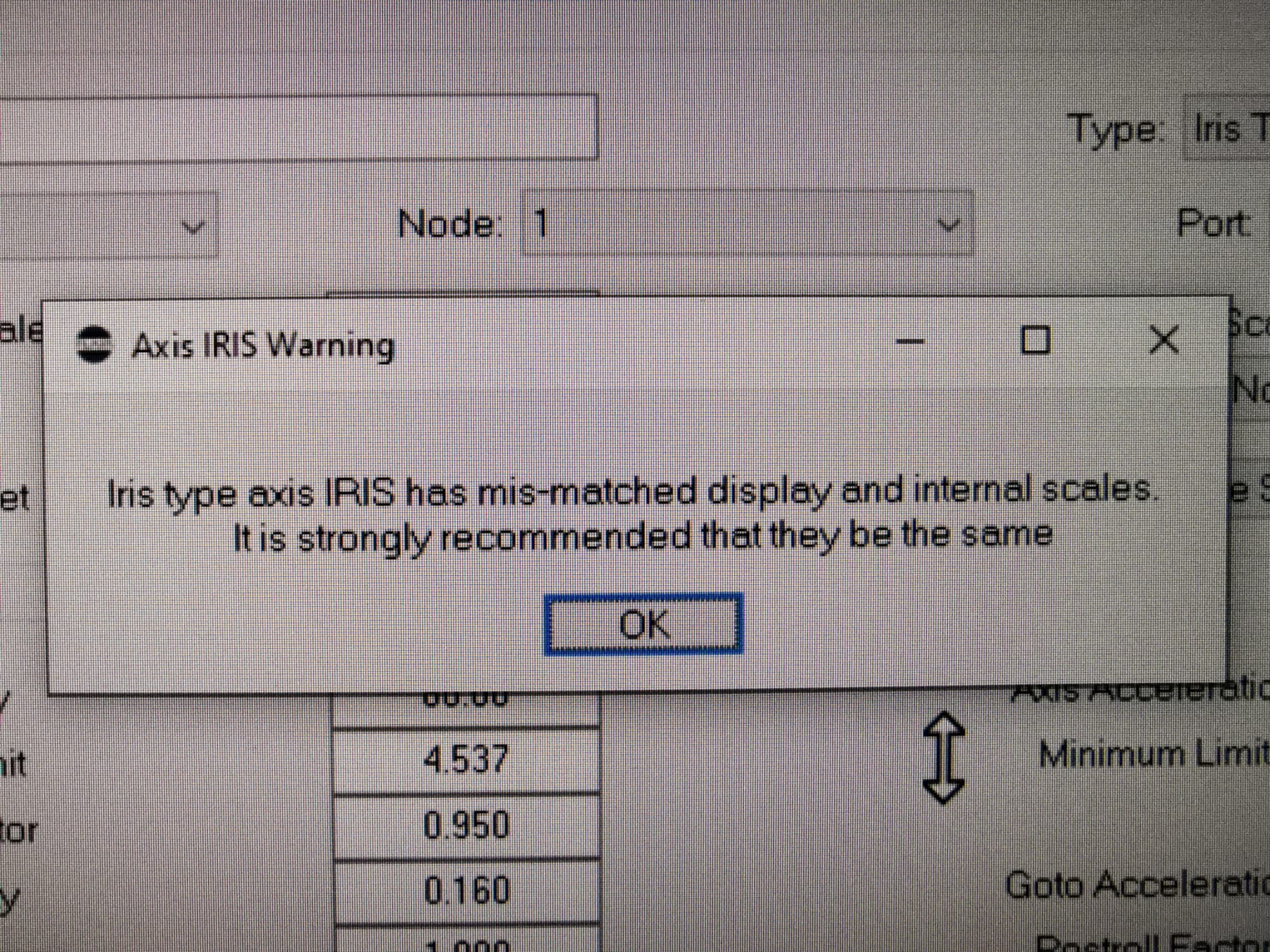 |
Image description: Flair axis scale / iris setup screen asking how Display Scale, Internal Scale, and Recalculating Scale should match. |
Related Media
Media Text / Description
- Media 1: 2021-02-11 00:26 - Niko: Image description: Flair axis scale / iris setup screen asking how Display Scale, Internal Scale, and Recalculating Scale should match.
WhatsApp Excerpts
Media Text / Description
Display ScaleInternal ScaleRecalculating Scaleiris axis setup- Image description: Flair axis scale setup screen for iris, focus, or zoom showing display/internal scale mapping controls.
[11/2/2021, 12:26:51 am] ~ Niko: Some days ago, making some tests, I tried to setup an iris axis and flair showed this message. Finally I recycled another axis and worked fine. But... How is supposed to match display and internal scales? Using the "Recalculating scale" option?
[11/2/2021, 12:37:51 am] Timothy Heys Cerchio: Yes, that should do the trick! Usually an axis for Focus Zoom or Iris which hasn't been modified has a 1:1 scale 😉
[11/2/2021, 12:55:49 am] ~ Niko: My intention was to locate the iris axis next to the focus axis. that's why I tried to set it from scratch on the following axis position
[11/2/2021, 12:56:17 am] ~ Niko: By the way... Is there some way to hide an axis?
[11/2/2021, 1:33:20 am] Timothy Heys Cerchio: Not that I know of. Unless you put it off main screen beyond the *ShownAxes
[11/2/2021, 1:58:44 am] ~ Niko: That's the only way I found
[11/2/2021, 3:19:27 am] ~ Simon Wakley: Nope. You can’t hide an axis but you can copy to a later off screen location. The internal and display scale should be the same for iris and zoom axes as it does it really represent anything sensible
Community Solutions
[LIKELY] Use Recalculating Scale For Lens Axes
Open Setups -> Axis Setup, select the focus / zoom / iris axis, and use the axis scale controls to enable the Recalculating Scale workflow so Flair maps motor movement to the desired displayed lens values.
Confidence: 0.78
[LIKELY] Keep Internal And Display Scale Matching For Arbitrary Iris / Zoom Values
If the axis values are arbitrary or normalized rather than real-world units, keep Display Scale and Internal Scale matching in Setups -> Axis Setup unless there is a deliberate remap.
Confidence: 0.7
[UI_SPECIFIC] Standard Robot Axes Are Usually 1:1 Unless Deliberately Rescaled
Do not copy lens-axis scaling logic blindly to robot axes. Standard axes in Setups -> Axis Setup are normally 1:1 unless a specific kinematic scale is required.
Confidence: 0.74
Related Issues
- See also: Focus Calibration — 3-Point Fails, Use Lookup Table
- See also: Zoom Calibration — Unused Rows Default to Zero and Break the Table
- See also: Zoom Axis Trips Repeatedly With New Lens Setup