Flair Popup Cleared By Reloading Network Boards
Summary
A Flair 7 popup blocked operation even though VNC robot drive worked. The reported fix was to reload network boards and restart, suggesting a network-board/connection initialization issue rather than a robot-drive failure.
Symptoms
- Flair is stuck at a popup.
- Robot drive/control may still work via VNC or pendant.
- Restart alone may not be enough until network boards are reloaded.
Evidence
| Timestamp | User | Media | Evidence |
|---|---|---|---|
| 2024-04-30 20:54 | Markus | 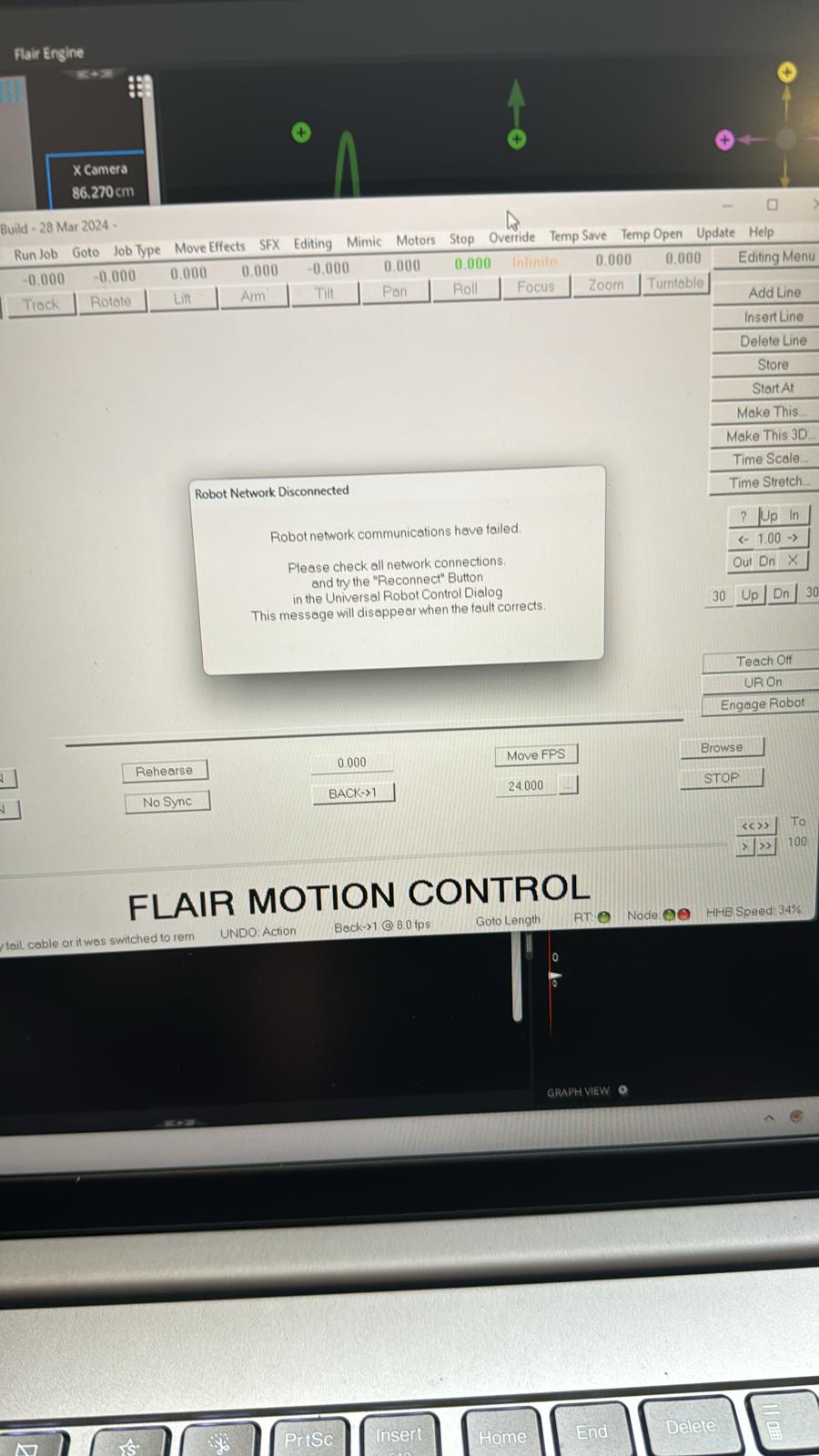 |
Image description: Flair 7 popup blocks operation while VNC robot drive still works. Resolution: reload network boards and restart; search terms include Reload Network Boards and LoadNetworkBoards. |
Related Media
Media Text / Description
- Media 1: 2024-04-30 20:54 - Markus: Image description: Flair 7 popup blocks operation while VNC robot drive still works. Resolution: reload network boards and restart; search terms include Reload Network Boards and LoadNetworkBoards.
WhatsApp Excerpts
Media Text / Description
- Screenshot/error description: Flair 7 popup blocks operation while VNC robot drive still works; resolved by reloading network boards and restarting.
[30/4/2024, 8:54:19 pm] ~ Markus: Hi, first question.. we can’t get it past this popup. Flair 7 won’t connect but we can drive the robot through vnc.. any ideas?
[30/4/2024, 9:12:17 pm] ~ Markus: Solved!
[30/4/2024, 9:12:39 pm] ~ Ante: What was the problem?
Community Solution
[CONFIRMED] Reload Network Boards And Restart
Reload the network boards, then restart Flair/the control session. If the robot itself can still be driven outside Flair, prioritize Flair network-board initialization checks.
Confidence: 0.78
Related Issues
- See also: Network Direct INI File Corrupt / Wrong Path After Upgrade
- See also: InTime Not Starting or Robot Not Found After Boot
- See also: EtherCAT "Network Communications Not Running" — Systematic Troubleshooting